Private document workflow for iPhone and iPad
Restore documents,not just scan them.
Turn messy paper and PDFs into useful documents. Restore, search, compare, review, sign and protect the right version.
Private by default. On-device processing where it matters. iCloud sync where you want it.
01
Restore before you work
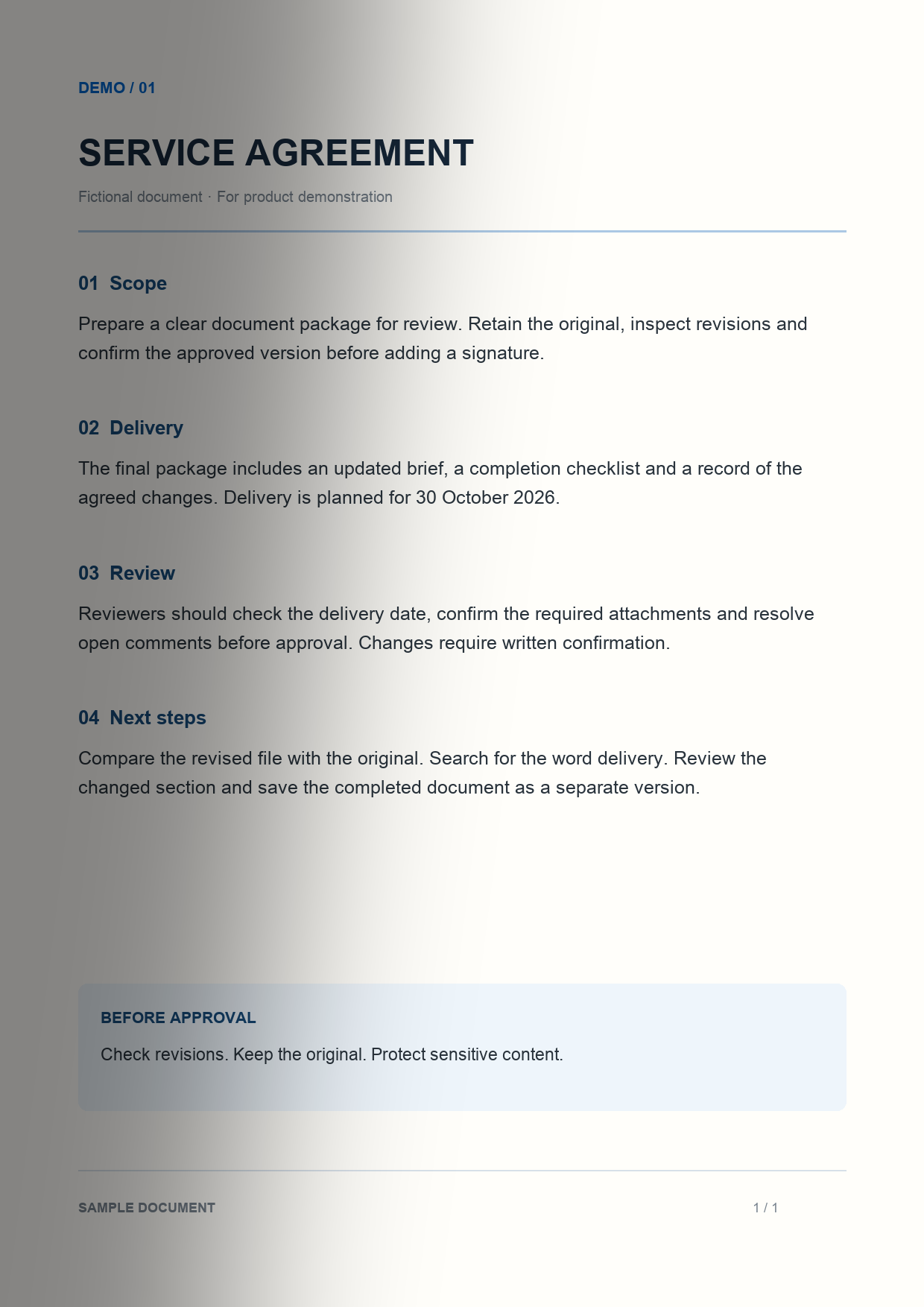
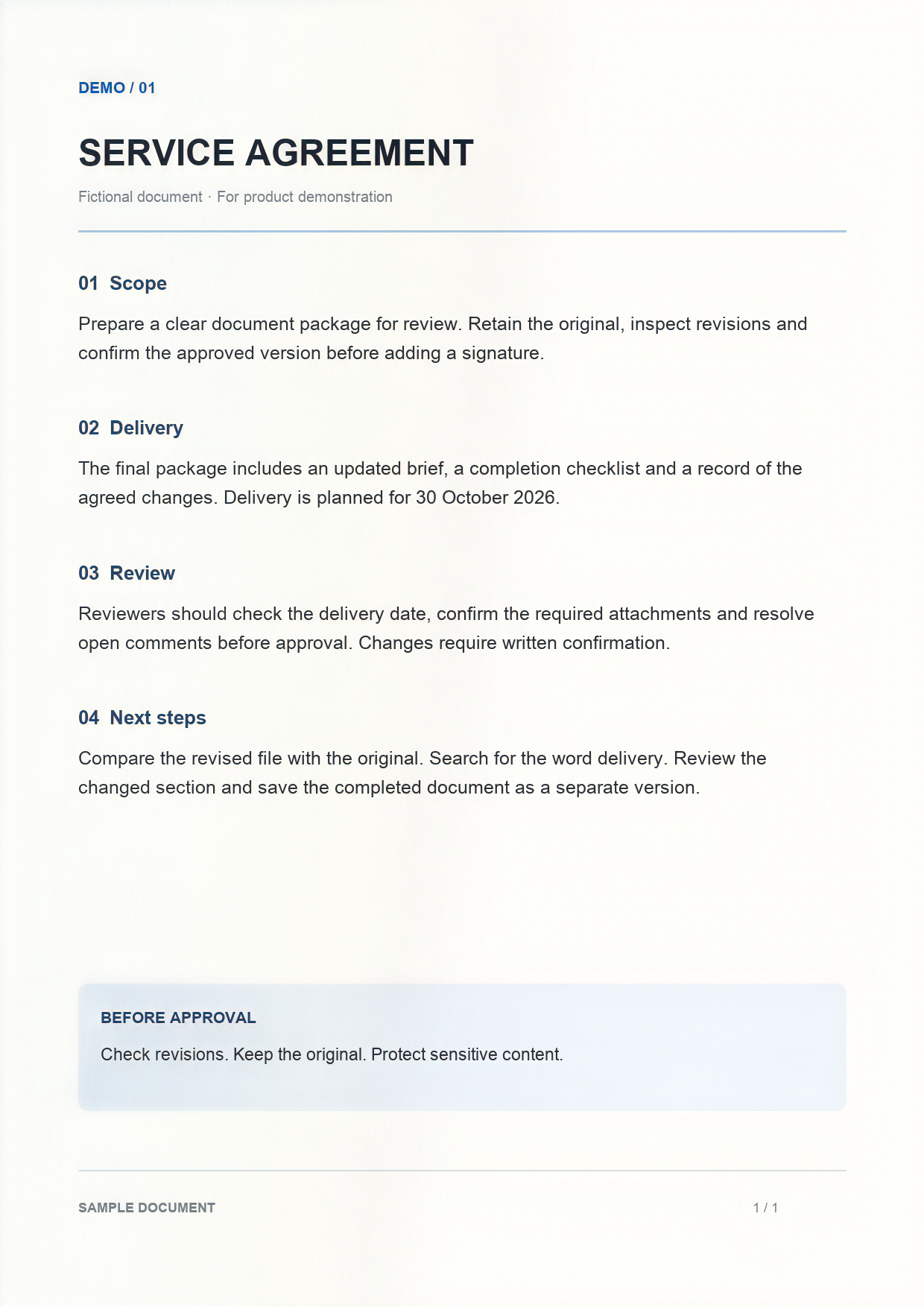
Reduce distracting shadows and clean up difficult pages. Keep access to the original while inspecting the restored result.
02
OCR and search
Recognize text in scanned documents, search a passage and copy what you need. Searchable PDF and text exports are available with Pro where supported.
03
Find what matters
Surface useful details, evidence and suggested next actions from supported documents. Availability and quality depend on device, OS, language and source. Check important details against the original.
04
See what changed
Compare two PDFs or document versions and move through the differences. Inspect revisions before you approve or sign.
05
Review with context
Add comments, text and stamps, then finish a tracked review. Return to the document and its versions when the work continues.
06
Sign the right version
Add a signature and save the signed version while keeping the original. Signature validity depends on your circumstances and jurisdiction.
07
Permanently redact a copy
Remove sensitive content in a new redacted copy. Pending redaction marks are a review state; inspect the finished output before sharing.
08
Inspect verification information
Create and inspect verification information for DocMate outputs. It does not authenticate a signer or prove legal authenticity.
09
Keep documents in context
Use Documents, Folders, Workspaces and Activity to find the document and return to the next step.
10
Private by design
No advertising or third-party tracking. Processing stays on device where supported; Apple system paths and optional iCloud can vary. Read the privacy policy for details.
Privacy policy11
Built for iPhone and iPad
Work on a phone or use the extra room on iPad for document review and comparison. Layout and feature availability can vary.
12
Free download. Optional Pro.
DocMate Pro is offered monthly or annually. The App Store and in-app purchase screen show current local prices, renewal and cancellation terms. Some workflows require Pro.
View on the App Store Terms13
Start with one document
Import a fictional sample or scan a page. Restore it, inspect the result and try OCR. Keep the original, then choose the next action.
14
Help when you need it
Visit support for workflow guidance. Share privacy-safe diagnostics when useful, and keep personal or client documents out of support messages.
SupportPress and reviewer resources
Press and reviewer resourcesStep-by-step guides
- Remove shadows from a document on iPhone
- Make a scanned PDF searchable
- Search text in scanned documents
- Compare two PDFs on iPhone and iPad
- Compare document versions
- Permanently redact a PDF
- Sign a PDF while retaining the original
- Organize contracts, receipts and forms
- Review a PDF on iPad
- How DocMate processes documents privately